Digital Ocean Databases
Here’s a quick guide on setting up a new database in Digital Ocean.
Create a New Database
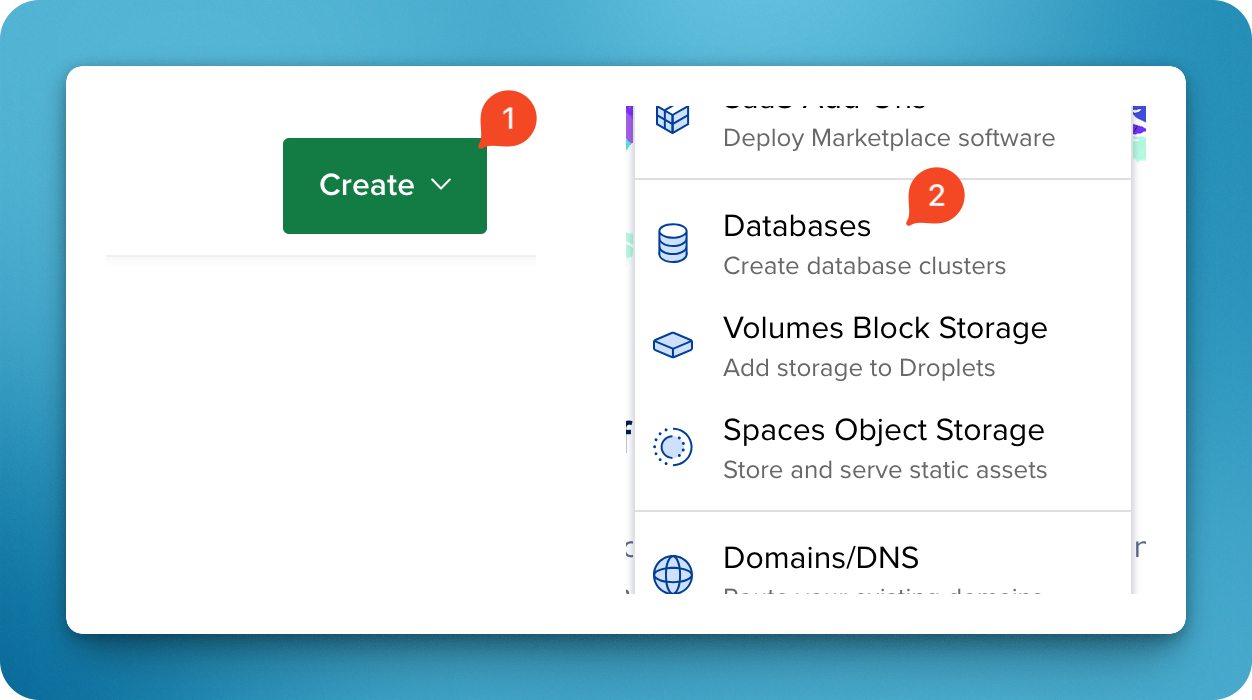
Inside your Digital Ocean Project, click Create > Database.
Database Settings
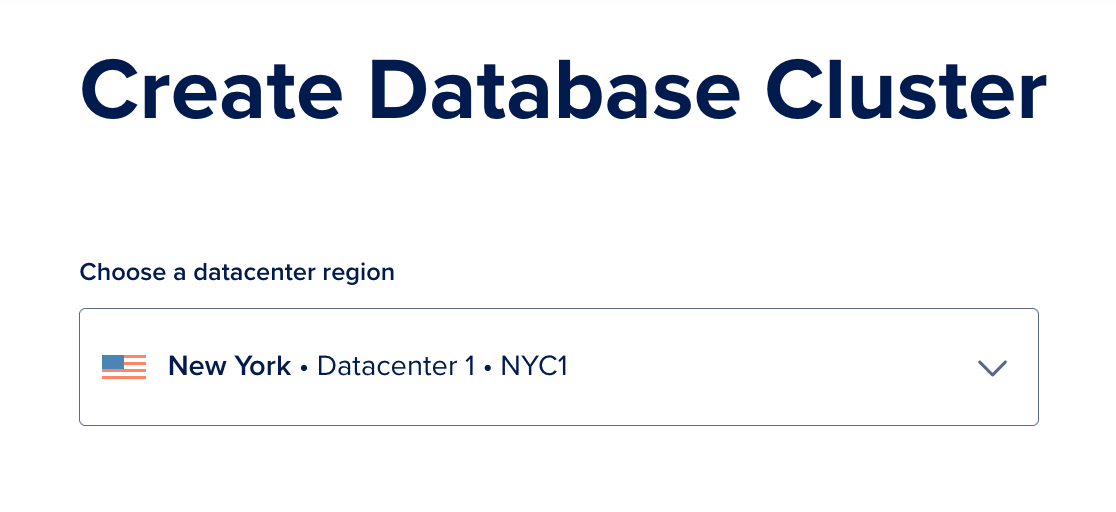
Pick the datacenter region closest to you:
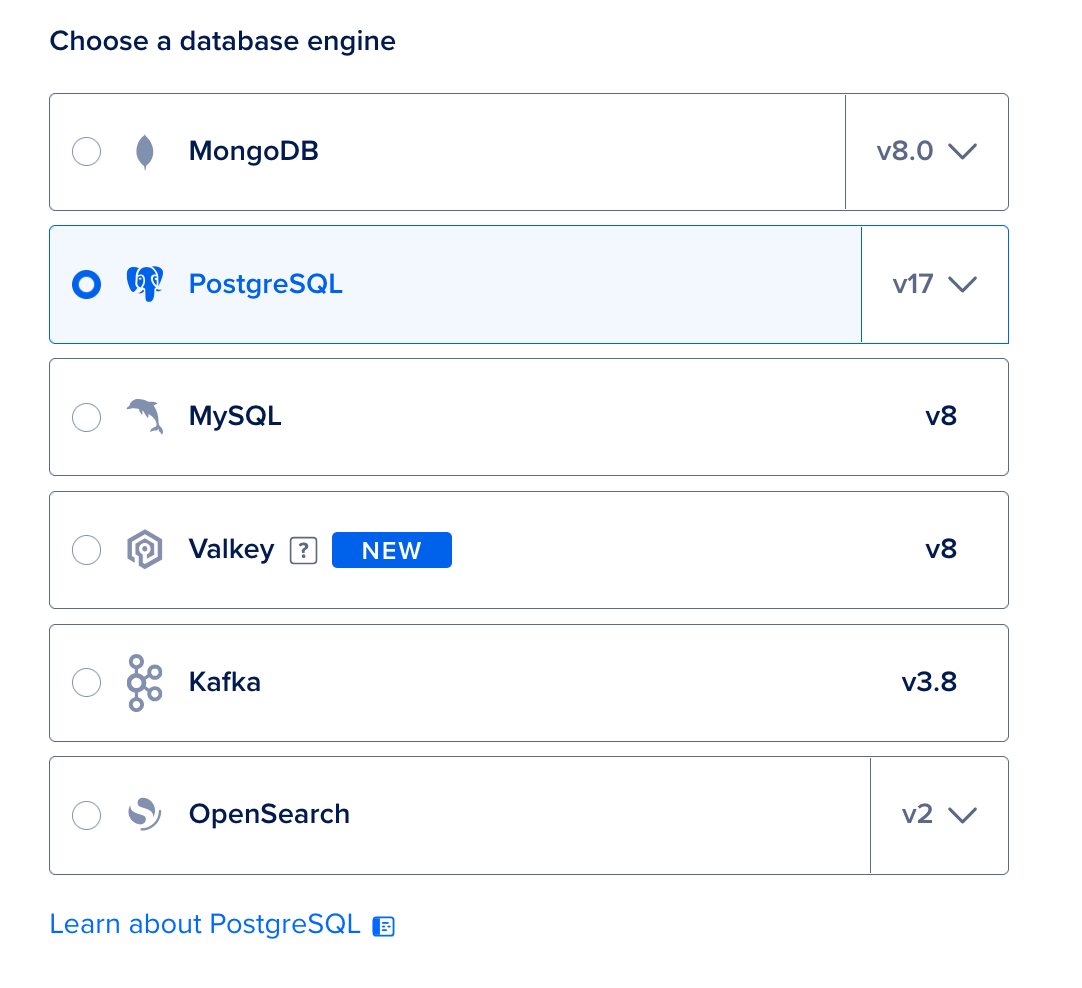
Select Postgres as the Database engine. The latest version is v17.
For the cheapest option, pick the Basic configuration.
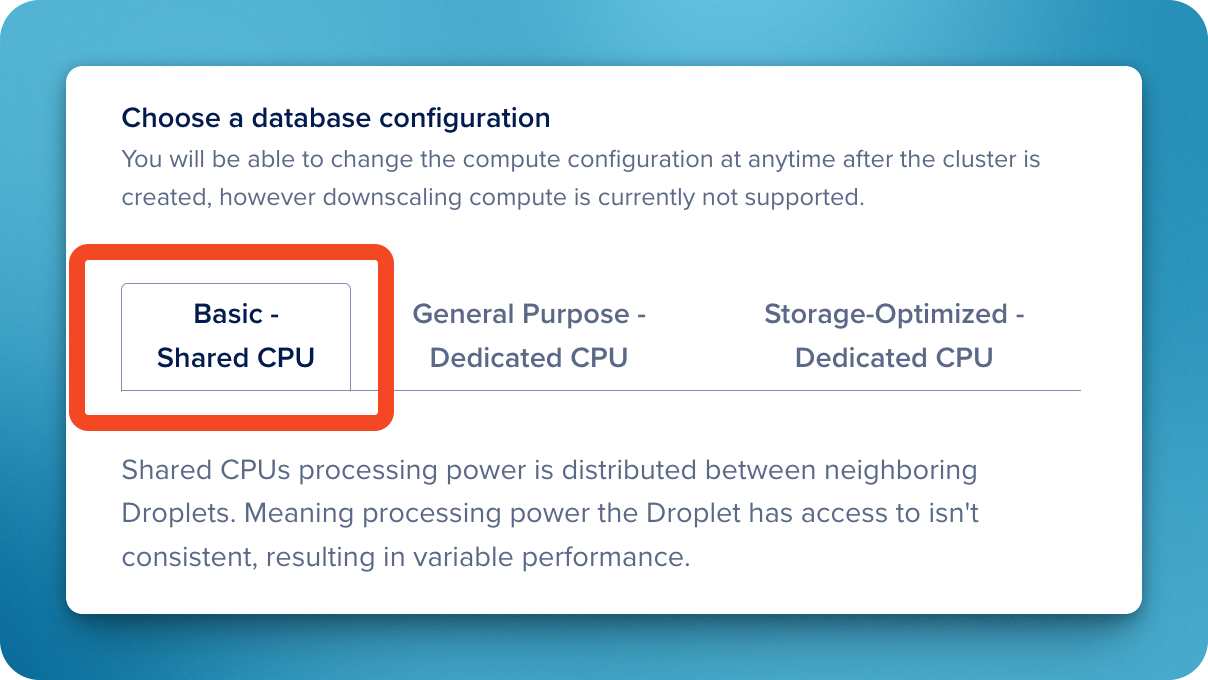
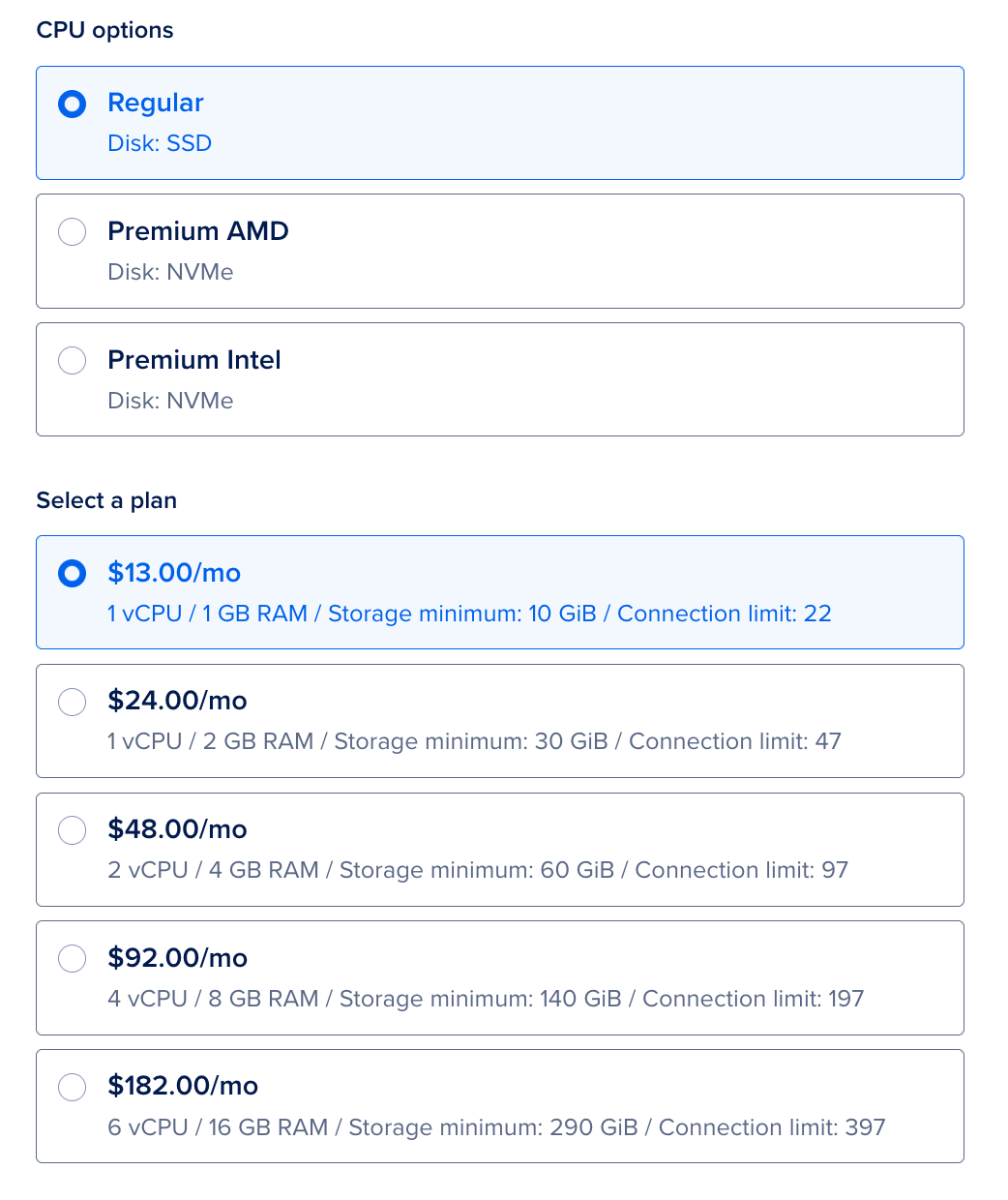
For a basic database, pick the cheapest options. You can always upgrade from here.
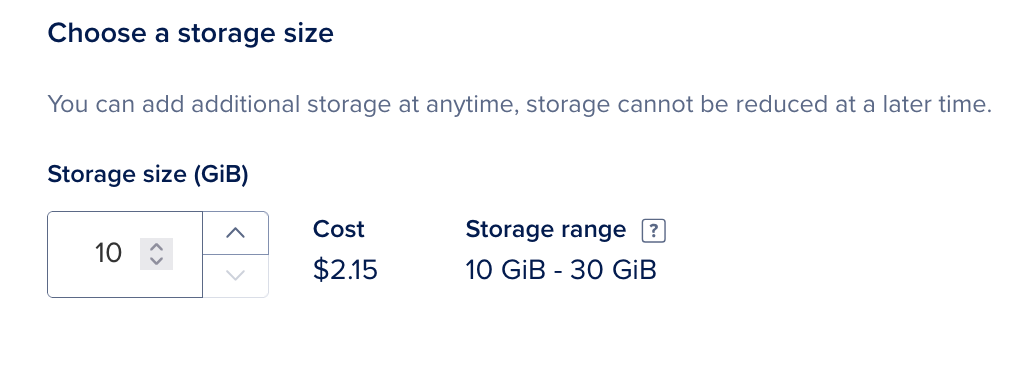
For a cheap option, pick the lowest storage amount (10 GB). You can always increase this later.
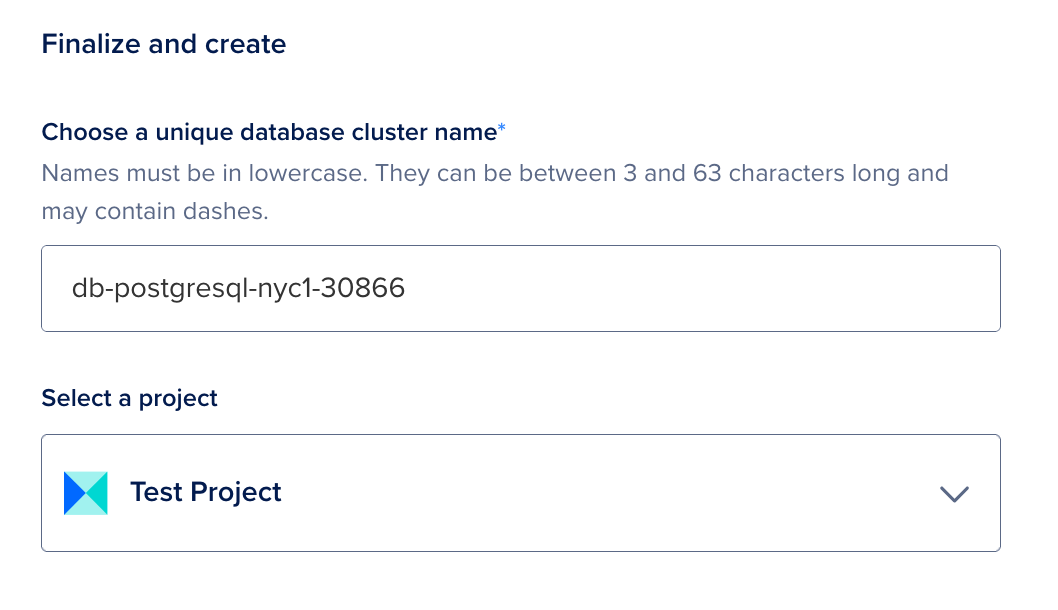
Give your database cluster a name (or leave it to the auto-assigned name), and pick the Project it’s assigned to. Note: The cluster name is not the name of the database, but it is used for the host address.
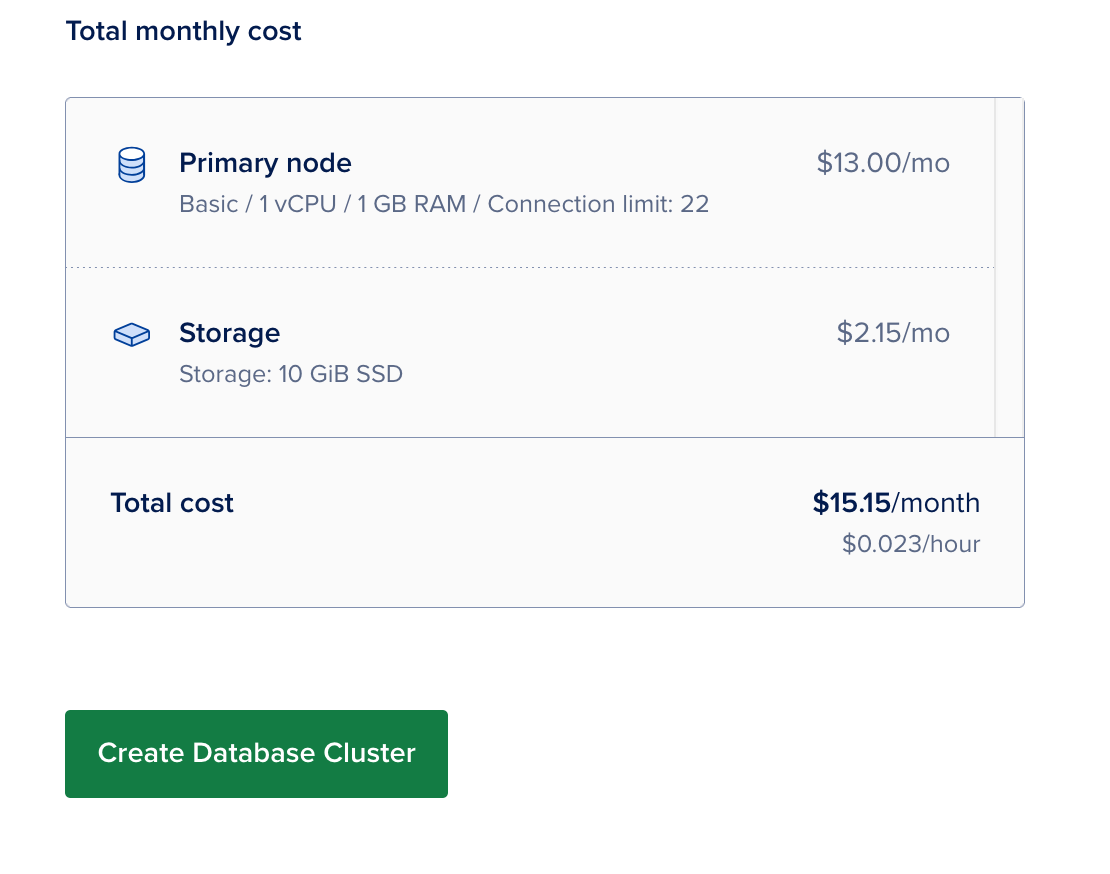
Click create.
Post-Setup
Once you’re done, make sure to secure your database.